
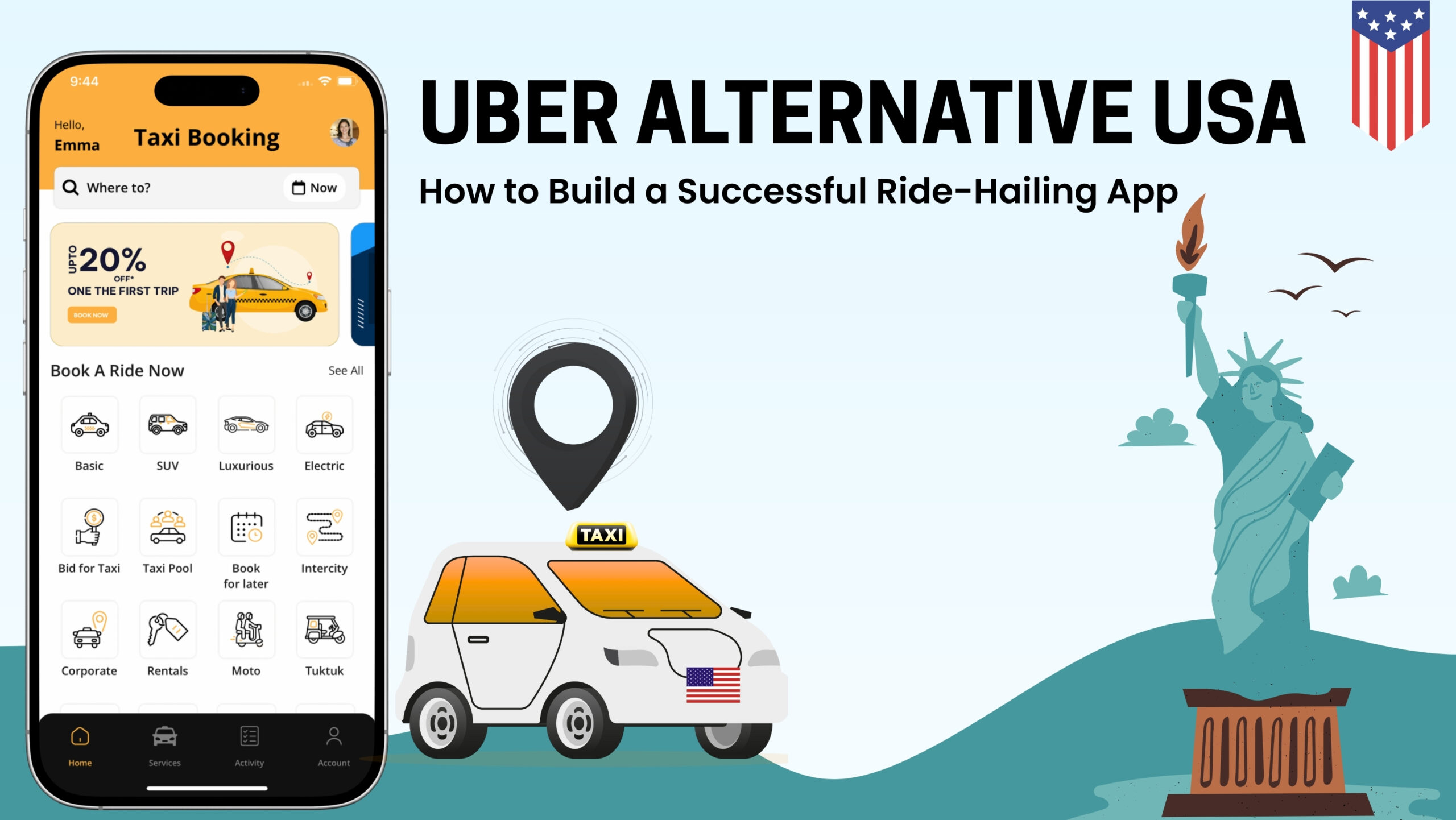
How to Book Uber Cab in USA?
With USA transport ordered directly from your smartphone and paid for automatically, Uber makes getting around your city as easy as tapping a button—literally. Whether you’re taking your first Uber ride or your hundredth, we’ve put together some Uber rider tips for first timers and veterans alike to make sure your ride experience, from request to drop-off, is as smooth as possible.
How to Book a Ride: Follow These Easy Steps
Booking a ride on Uber or Lyft is quick and easy. Here’s how to do it:
- Open the App: Once you’re ready to go, open the Uber or Lyft app on your phone.
- Enter Your Destination: Type your destination in the "Where to?" box at the top of the screen. The app will automatically suggest locations based on your current location and past trips.
- Choose Your Ride Type: Depending on your needs, you can choose from various ride options:
- UberX/Lyft Standard: Affordable, everyday rides.
- UberXL/Lyft XL: Larger vehicles for groups or more luggage.
- Premium Rides: Uber Lux, and Lyft Lux for more comfort and luxury.
- Review and Confirm: Check the estimated fare, and verify the driver’s details, including their name, car model, and license plate number. Once everything looks good, tap Confirm.
- Track Your Driver: After confirming, you can track your driver in real-time on the map and get an estimated time of arrival (ETA).
- Payment: Once the ride ends, the payment will be processed automatically through your linked account, ensuring a fast, seamless transaction.
Tips for a Smooth and Safe Ride
Ensuring your ride is both smooth and safe is key to having a positive experience with Uber or Lyft. Here are some essential tips to keep in mind:
- Verify Your Driver: Always check that the driver’s name, car model, and license plate match the details in the app before getting in the car. This ensures you’re getting into the right vehicle.
- Share Your Trip: Use the in-app feature to share your trip details with friends or family, so they can track your ride in real time. This adds an extra layer of safety and keeps loved ones informed of your location.
- Choose Safe Pickup and Drop-Off Points: Select well-lit, public areas for both your pickup and drop-off locations, especially at night. Avoid secluded or unsafe areas.
- Be Respectful: Communicate politely with your driver and follow ride-sharing etiquette. This ensures a pleasant experience for both you and the driver.
- Use Secure Payments: Make sure your payment methods are secure and hassle-free.
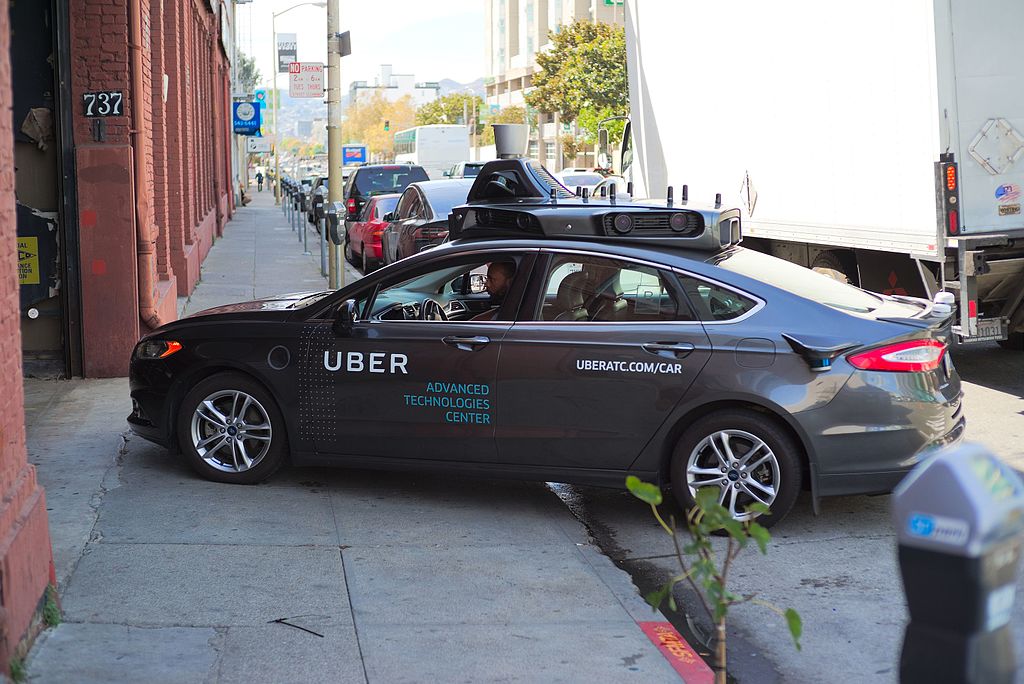
 How to Save Money on Ride-Sharing
Ride-sharing can be affordable, but it’s even better when you know how to save. Here are some practical tips to keep your costs low:
- Use Shared Rides: When available, opt for UberPool or Lyft Line, which allows you to share the ride with other passengers heading in the same direction. This option is often cheaper than a private ride.
- Avoid Surge Pricing: Ride fares increase during peak hours or busy events. Check the app’s surge pricing indicator and, if possible, wait for prices to drop before booking.
- Use Promo Codes: Both Uber and Lyft offer promotional codes and discounts for new users or during special campaigns. Keep an eye out for these to reduce ride costs.
- Schedule Rides in Advance: Planning ahead allows you to lock in a rate, potentially avoiding surge pricing.
Conclusion: Embrace the Convenience of Ride-Sharing
Ride-sharing services like Uber and Lyft have transformed how we navigate cities in the U.S., offering flexibility, convenience, and cost-effective transportation. Whether you’re commuting or exploring a new city, these apps make getting around easier. By using USA UBER for seamless transactions, you can make your ride-sharing experience more affordable and hassle-free.
Enable location services
In order to request your ride, whether it’s your first time using Uber or not, you need to enable your location services on your device. Uber uses your device’s location services to make it easier to get a ride when you need one. Location data helps improve our services, including pickups, navigation, customer support, and more.
Gone are the days of waiting endlessly for a taxi. Ride-sharing services like Uber and Lyft have transformed transportation in the U.S., offering fast, convenient, and affordable rides at the tap of a button.
Whether you're commuting to work, heading to the airport, or exploring a new city, ride-sharing apps provide a flexible alternative to traditional taxis. With features like real-time tracking, fare estimates, and multiple ride options, they make getting around easier than ever.
:max_bytes(150000):strip_icc()/GettyImages-1923331422-852a4015c4534c60acd38b48dcd2c392.jpg)
 In this guide, we'll walk you through how to use Uber and Lyft seamlessly, ensuring a smooth experience for every ride.
How do ETAs work?
Before a trip starts, your app provides an ETA for when your driver should arrive at your pickup location. Please note that ETA times are estimates and not guaranteed. A variety of external factors like heavy traffic or road construction can impact travel time. If the ETA you see in app is too Before your ride starts, your app will provide an ETA for when your driver should arrive at your pickup location. Please note that ETA times are estimates and not guaranteed. A variety of external factors like heavy traffic or road construction can impact travel time. If the ETA you see in-app is too high, return back after a few minutes to see if there is a change. high, return back after a few minutes to see if there is a change.
How does dynamic pricing work?
There are times when so many people are requesting rides that there aren’t enough cars on the road to help take them all. Bad weather, rush hour, and special events, for instance, may cause unusually large numbers of people to want to ride Uber all at the same time.
In these cases of very high demand, fares may increase to help ensure those who need a ride can get one. This system is called dynamic pricing, and it lets us continue to be a reliable choice.
Whenever there is a price surge, we let riders know in the app. Some riders will choose to pay, while some will choose to wait a few minutes to see if the rates go back down to normal.
How to use Uber to get a ride
If you need help on your first time using Uber, don’t worry—it’s not complicated. Here’s the simple step-by-step on how to use Uber for the first time:
- Open and log into the Uber app on your device
- Type your destination into the “Where to?” section
- Select the type of vehicle you would like at the bottom of the screen.
- Tap “request” and then confirm the pickup location
- Wait for your request to be accepted by a driver and check the estimated time of arrival
- Just wait for your driver to arrive. You can check their location on the in-app map and you will be notified when they are close to the pickup location
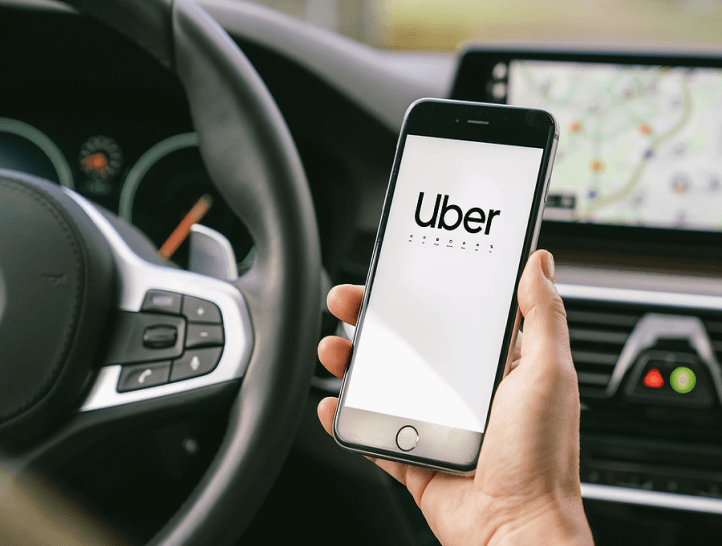 Whether you’re running an errand across town or exploring a city far from home, getting there should be easy. Learn how to ride with the Uber app.
How to use the Uber app
How to Download and Set Up Uber and Lyft
Getting started with Uber and Lyft is simple. Follow these steps to set up your account and be ready for your first ride:
- Download the App: Head to the App Store (for iPhone users) or Google Play (for Android users) and download the Uber or Lyft app. Both are free to download.
- Create an Account: Open the app and sign up using your phone number, email, and basic details. You'll also need to verify your phone number through a code sent via SMS.
- Set Up Payment: Link a payment method such as a credit card, debit card, or PayPal. For a secure and convenient payment experience, you can use Zolve’s credit card or checking account to ensure easy, hassle-free transactions.
- Add Pickup Location: Once your account is set up, enter your current location as the pickup point. You can also save frequent addresses like home or work for faster booking.
Create an account
All you need is an email address and phone number. You can request a ride from your browser or from the Uber app. To download the app, go to the App Store or Google Play.
Enter your destination
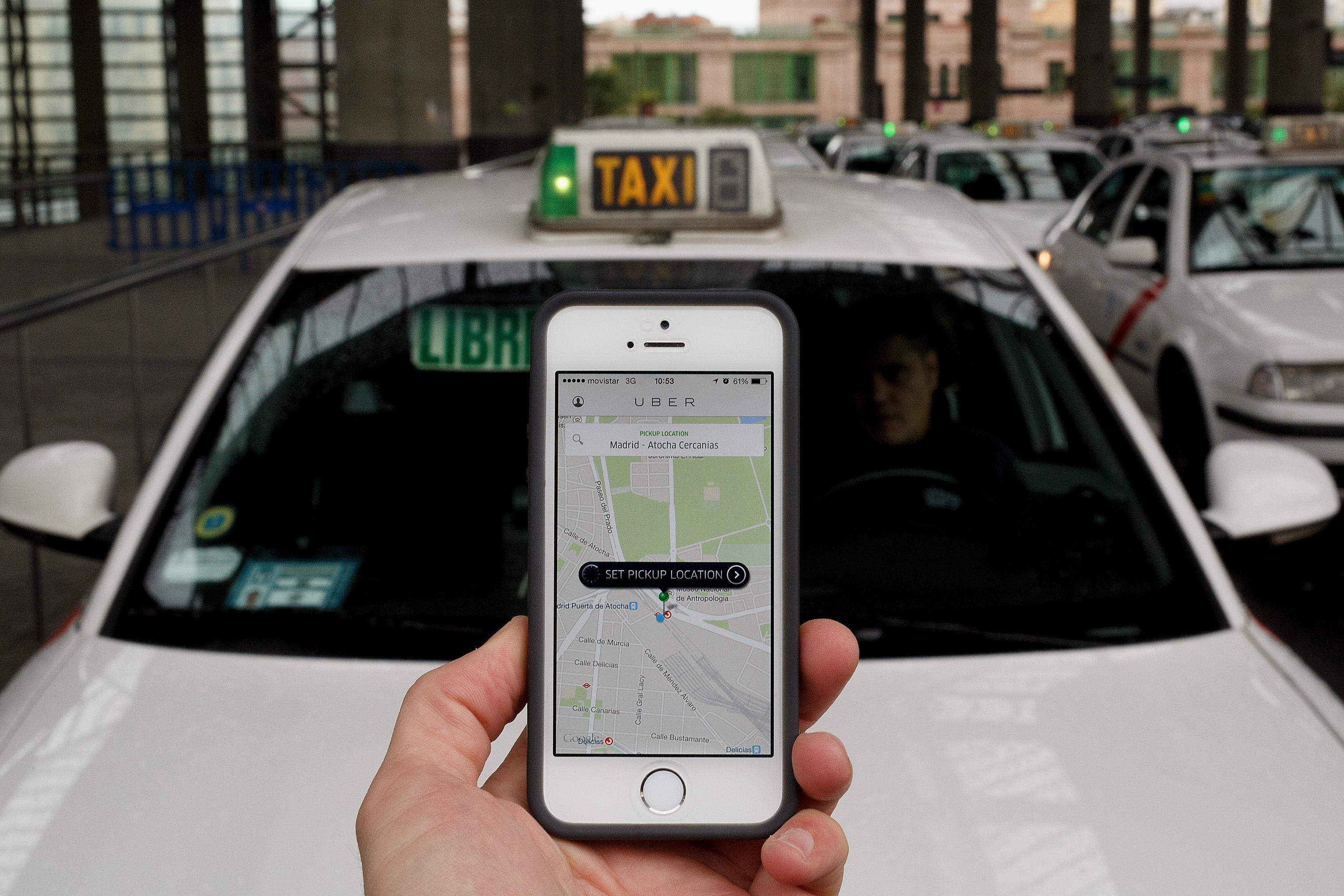
Open the app and enter where you’re going in the Where to? box. Tap to confirm your pickup location and tap Confirm again to be matched to a driver nearby.
Meet your driver
You can track their arrival on the map. When they’re a few minutes away, wait for them at your pickup location.
Check your ride
Every time you take a trip with Uber, please make sure you’re getting into the right car with the right driver by matching the license plate, car make and model, and driver photo with what’s provided in your app.
Uber trips can only be requested through the app, so never get in a car where the vehicle or driver identity doesn't match what’s displayed in your app.
Sit back and relax
When you arrive, payment is easy. Depending on your region, you have options. Use cash or a payment method like a credit card or Uber Cash balance.
Rate your trip
Let us know how your trip went. You can also give your driver a compliment or add a tip in the app.
Before you confirm a trip, see price estimates so you don’t have to guess and so you can compare costs to find the right ride, every time.When you request a ride, the app automatically suggests a convenient place to meet your driver. To adjust your location, just type in a new address or drag your pin on the map within the gray circle.Check Driver Profiles in the app to see fun facts about your driver, including ratings and compliments.
Drive when you want, make what you need in Usa
Make money in Usa on your schedule with deliveries (where available) or rides—or both. You can use your own car or choose a rental through Uber.
Rideshare and other services in Usa, Oita
Getting around Usa is easier with Uber. Whether you’re traveling to the train station or airport, meeting friends at a restaurant or event, or running errands in town, Uber helps get you where you need to go. Sign in online or open the Uber app and enter your destination to begin traveling in Usa.
Usa taxis and other ride options
Getting a taxi in Usa just got easier with the Uber app. In a few steps, you can request a local taxi and pay for your trip all from one place. Whether you’re requesting a taxi from the airport or you’re discovering somewhere new, sign in on Uber.com or open the app and enter a destination in Usa.
Posted on 2025/12/13 02:26 PM